
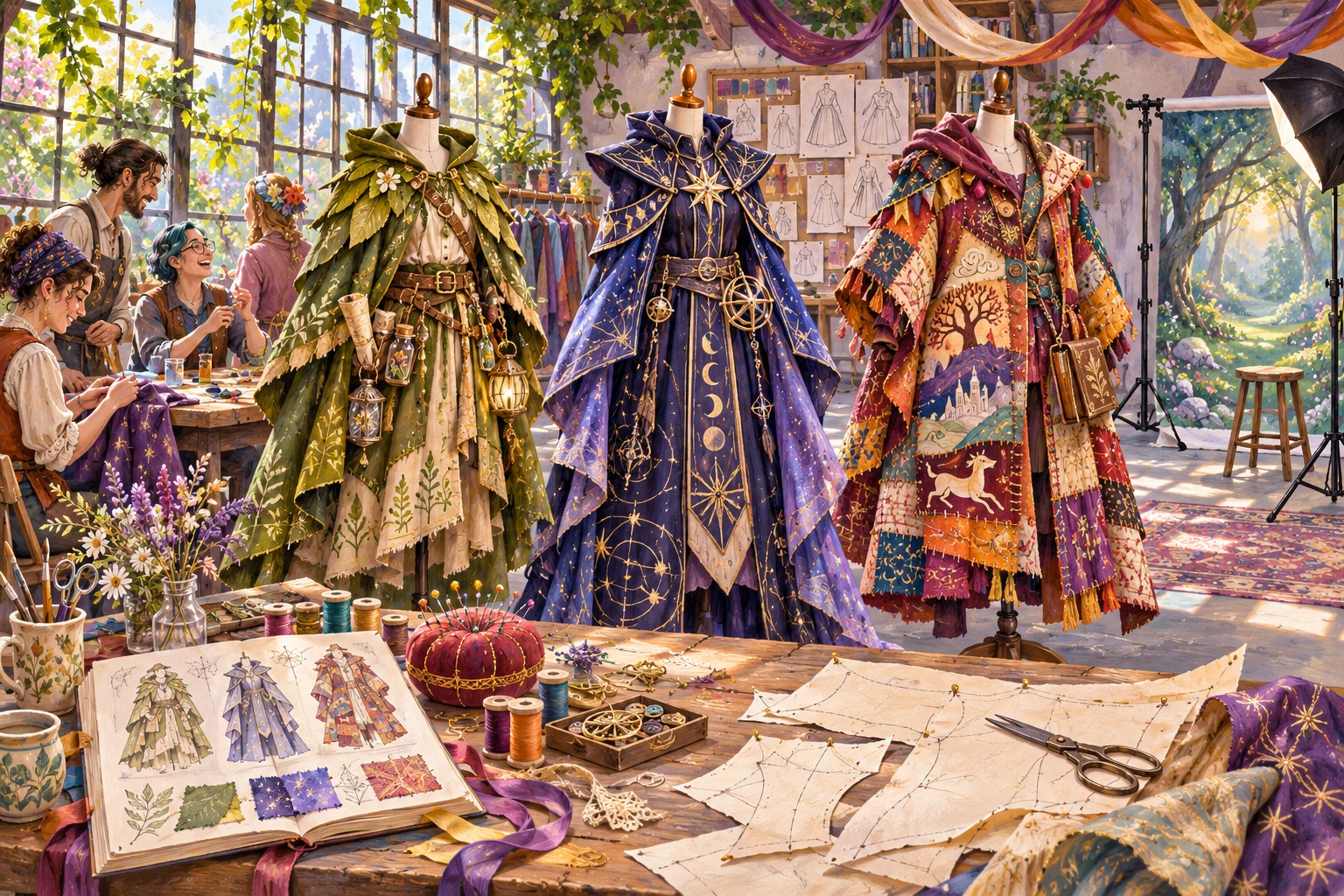
Plan the gathering around people, not only costumes
CosplayCanvas organizes a creative meetup into participant notes, venue zones, photography areas, costume preparation and a five-phase event outline. It is useful for an original-character social, a small cosplay club gathering or an afternoon that combines conversation with optional portraits.
The planner does not design costumes, grant rights to characters or run a judged competition. Decide what someone can do without a finished outfit, a camera or a willingness to perform. Sketches, a small accessory or everyday clothes can still support a complete social experience when the invitation makes that welcome clear.
Use the fields to record practical choices
Set theme, total guests, budget, duration, start and venue. Enter original character themes or zones on separate lines, followed by distinct participants, costume preparation text, photography zones and participation rules. Named participants cannot exceed the total headcount. Hosts and observers may be included in the count without becoming a named performer.
For a zone-based plan, make the entries recognizable physical areas such as Welcome desk, Repair table and Quiet seating. Each becomes a venue-zone record with a placeholder helper label. The tool does not recruit that helper or assess room dimensions. Photography-zone lines are a separate list and do not automatically create a permission barrier or enforce guest choices.
Interpret the suggested zones and schedule
Suggested zone capacity is ceil(total guests ÷ entered zones), applied to every zone. It is an even planning allowance, not a measured occupancy limit. Because of rounding, those numbers can add up to more than the headcount. They do not assign particular named guests to each area or certify safe circulation.
The five phases cover consent/venue briefing, costume introductions, optional photography, collaborative character prompts and reflection. They share the duration almost equally. The character activity is a programme label, not a generated set of biographies or custom writing prompts. Prepare the actual materials and refine timings for queues, repairs, rest and cleanup.
Fictional example: a small sky-courier meetup
A host enters fourteen total guests and five named participants for an original Sky couriers theme. Use 110 minutes from 14:00 and four zones: Welcome desk, Repair table, Opt-in portrait corner and Quiet seating. Costume preparation says to check movement and visibility; photography zones distinguish the portrait point from a no-photo rest area.
Each venue zone receives a suggested capacity of four and a Helper 1–4 label. Four times four gives sixteen suggested places, illustrating that this is a planning allowance rather than an exact distribution of fourteen bodies. The five named participants are simply listed; they are not automatically sent to different zones.
The five outline phases receive twenty-two minutes and finish at 15:50. The host confirms that a portrait queue will not obstruct the repair table and arranges a seated alternative. Before a photograph, the photographer asks the individual guest; a sign alone is not treated as agreement. These fictional arrangements explain how to use the output without pretending the tool has checked the actual venue.
Write rules people can act on
Use direct language: ask before photographs or touching a costume, keep exits clear, use only permitted safe props and respect a no-photo area. Agree separately about posting or tagging images. Someone consenting to one portrait has not necessarily agreed to unrestricted publication, group tagging or close-up detail shots.
Keep bags, repair tools and loose accessories out of routes. Choose suitable supervised materials and avoid repairs you cannot perform safely or without the owner’s permission. If you add a contest, publish its rules in advance and use CostumeCrown for the separate scoring record. Save a reviewed host copy, then check exports and screenshots for participant information that does not need wider distribution. The most useful plan lets guests understand their choices without requiring them to disclose private reasons.
Questions before you begin
Does the tool assign a photographer or helper?
It uses placeholder helper labels for zones. You must arrange willing people, equipment and responsibilities yourself.
Is a zone capacity a venue-approved limit?
No. It is a rounded planning allowance from guest count and zone count. Confirm real room and circulation limits independently.
Can the planner enforce photography consent?
No. It records your areas and rules. The host and photographer still ask, respect refusals and agree how images may be shared.
Will it generate original character biographies?
No. It organizes the gathering and preserves your theme text. Prepare any detailed character prompts or stories separately.