
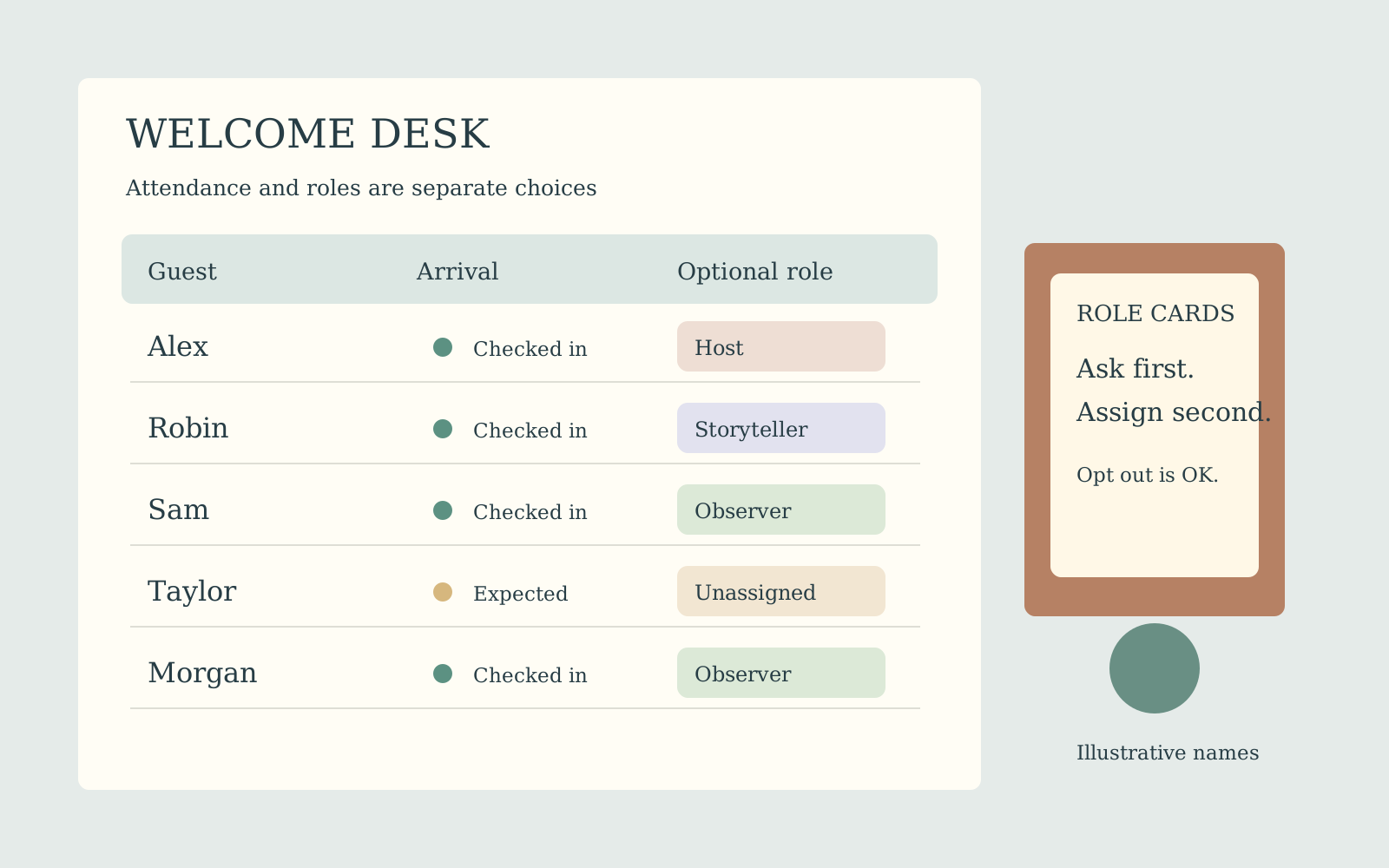
A roster is more than a headcount
Guests may be invited, confirmed, tentative or unable to attend. They may also want different levels of participation. GuestWeave puts a name, optional contact, RSVP label, role and team into an editable table. Use it when the invitation list is becoming difficult to manage in scattered notes.
It does not send invitations or collect replies. You record what has been agreed elsewhere. Participation in a role or game should be confirmed separately from attendance, particularly when a guest would rather watch, help quietly or join only the meal.
Prepare a clean starting list
Each guest row uses Name | optional contact | RSVP. Leave the contact position empty if unnecessary: Ari | | confirmed. The RSVP defaults to invited when omitted. Names must be unique without regard to capitalization, so Ari and ari are treated as duplicates. Use agreed distinguishing labels when two people share a first name.
Enter optional roles on separate lines and choose a whole team count from 1–100. Initial roles are shuffled, then assigned in guest-list order. Guests beyond the available role list receive Guest. Team numbers cycle through the requested count. The process does not optimize friendships, ability, age or availability.
Review every row after creation
The result exposes editable fields for name, contact, RSVP, role and team. Make corrections there and save the revised record. Generated roles are not a consent mechanism; check who actually wants each part. Team assignments include all entered records regardless of their RSVP label. Declined entries do not silently disappear.
If you need an active game roster, prepare a version containing only participating guests or adjust assignments after reviewing responses. Recreating the entire plan can reshuffle roles and overwrite a carefully edited assignment. Keep roster versions clearly named rather than relying on memory about which one represents invitations and which one represents the game.
Fictional example: a six-person activity
Enter Ari, Bea, Cleo, Dev, Em and Fox, one per line, with blank contacts and confirmed RSVP labels. Add Host, Mapper and Recorder as role lines, then request three teams. The starting team sequence is 1, 2, 3, 1, 2, 3: Ari and Dev share team 1, Bea and Em team 2, and Cleo and Fox team 3.
The first three people receive the three shuffled roles; the final three receive Guest. Do not expect a particular person to get Host in a random assignment. Edit the role column after checking willingness, then save. This is a planning example, not a record of real participants.
At smaller scale, four names and two teams produce two people per team. At larger scale, twenty-three names and four teams produce team sizes 6, 6, 6 and 5. Asking for more teams than names leaves some team numbers unused. None of these distributions proves that the resulting groups are socially appropriate.
Keep the list useful without oversharing
Use initials or display names where they are enough. Contact information is optional and does not trigger messages. Avoid putting private access or medical details into a broadly shared role label. A team sheet usually needs names and assignments, not the organizer’s whole contact register.
Before copying, printing or exporting, inspect the actual output for details that do not belong with participants. Saving stores the form inputs and edited results locally; changing one visible field should not be treated as erasing every historical copy or exported file. Keep an organizer version secure and prepare any participant-facing list deliberately.
Questions before you begin
Will a declined guest be excluded from teams?
No. RSVP is recorded text, not an automatic inclusion filter. Prepare or edit the participating roster yourself.
Do I need one role per guest?
No. Extra guests receive Guest after the shuffled role list is used. SecretSigil is the tool for a strictly one-role-per-person private cast.
Can two guests share a first name?
Use distinct agreed labels, such as Ari K and Ari M. Case changes alone do not make a duplicate name unique.
Does the contact column send a message?
No. It is optional recorded information. GuestWeave has no invitation delivery, RSVP inbox or automatic guest notification.